
QuickBooks Time is a cloud-based solution for time tracking and scheduling, aiding businesses in monitoring and managing employee hours for payroll, invoicing, and scheduling needs. With advanced features, it enables companies to efficiently manage time and track employee productivity.

At Abedin Accountants, we're enthusiastic about QuickBooks Time! It provides our clients with an excellent tool to monitor their time and optimize their workflow based on their current circumstances. This valuable information empowers us to deliver even more effective accounting services and help manage your business for increased profitability. We firmly believe that utilizing QuickBooks Time to track time can enhance efficiency and boost profits for every business.


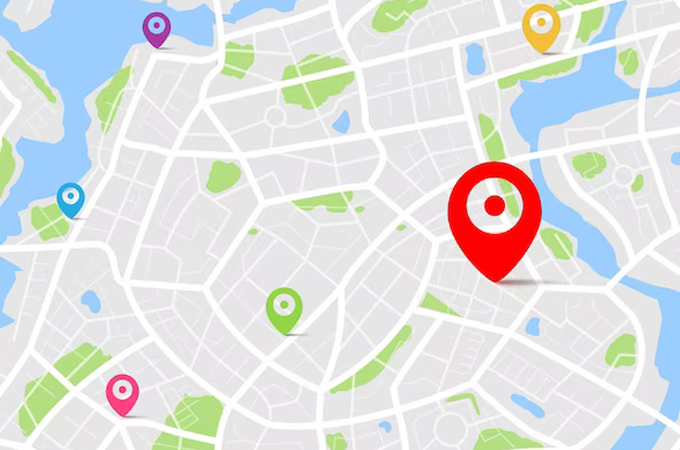
When workers clock in, a GPS map displays the individuals currently working, their respective locations, and the tasks they are engaged in. The geofence feature ensures you never miss clocking in or out again.

Abedin accountant can offer you QuickBooks Time integration with QuickBooks online as an add-on when you purchase one of our services; find out how today by speaking to one of our software specialists on 020 8582 0076
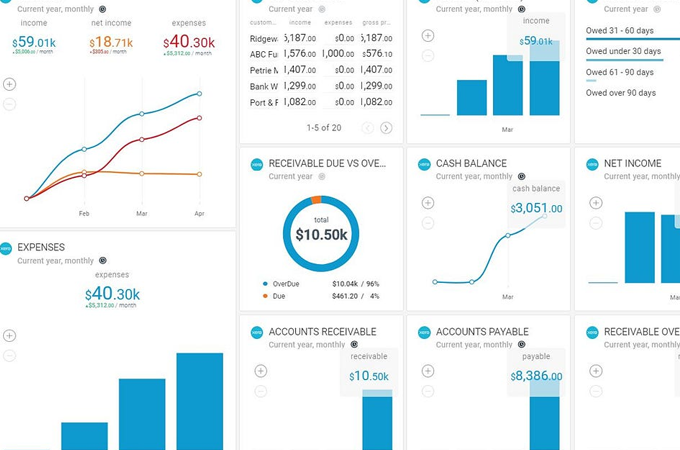
Gain valuable company insights by utilizing online timesheets and the time tracker feature in QuickBooks. Customize corporate settings and efficiently manage staff timesheets online. Monitor, adjust, and submit time conveniently through the QuickBooks Time online dashboard or Chrome app.
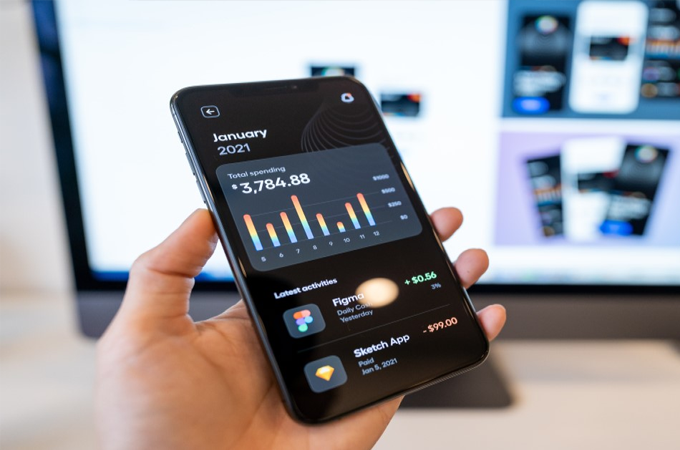
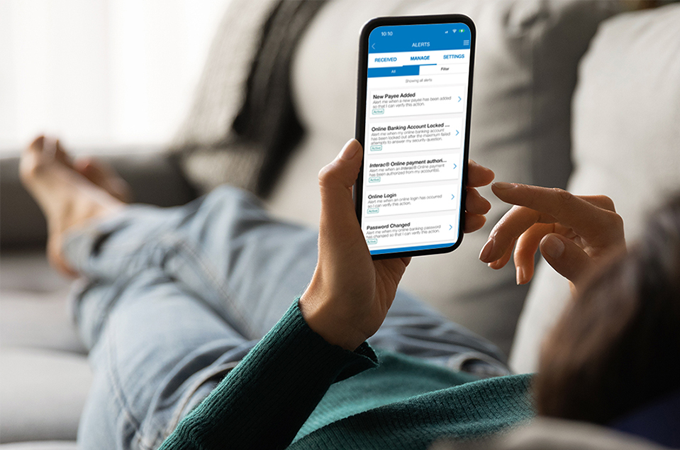
Employees and administrators utilize the QuickBooks Time mobile time tracking and timesheet software on their mobile phones to collect, submit, and approve time. Push notifications serve as reminders for employees to clock in and out, while mobile scheduling simplifies the process of editing and sharing staff calendars.
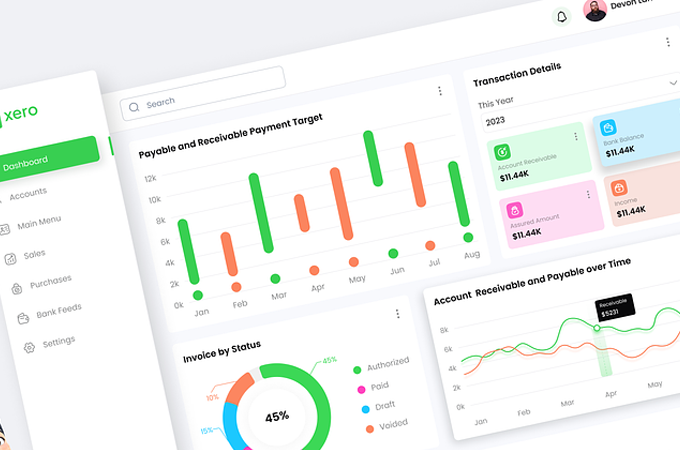
The Time Clock in QuickBooks kiosk enables workers to clock in and out using a single device. Serving as a cost-effective alternative to traditional punch clocks, it operates on any computer or tablet with an internet connection, incorporates biometric features, and is optimized for a swift clock-in process.
QuickBooks Online and QuickBooks Time sync seamlessly to track time on the go. This synchronized time data can be utilized for payroll, invoicing, and work pricing purposes.
QuickBooks Time, being a cloud-based timesheet solution, ensures the security of data against breaches and human errors. Utilizing AES 256-bit encryption, it safeguards your data, including crucial company and customer information, from external threats. Administrators have control over access and permissions, and regular backups serve to prevent unintended deletions and safeguard against server breakdowns.
QuickBooks Time records an employee's whereabouts only when they are on the clock. Once an employee clocks out, the employer no longer receives location information.

Abedin Accountants comprises a team of specialists dedicated to addressing all your accounting and taxation requirements in a single location. Our commitment extends from the initial contact to the project's completion, with a focus on keeping you well-informed and delivering a straightforward, cost-effective solution for all your financial needs.


We Guarantee to never miss a deadline or your money back
© 2023- Abedin Accountants. All Rights Reserved
Registration No. 14848656

 02033558128


