
AutoEntry stands out as one of our preferred software partners due to its utilization of advanced optical recognition technology, ensuring accurate extraction of crucial details from your receipts and invoices.
Storing your data in the cloud provides accessibility from any internet-connected computer. Eliminate the need to carry paper copies or worry about losing important documents.

Abedin Accountants recognizes the complexity of data entry. We appreciate AutoEntry for automating this process, ensuring faster and more accurate information retrieval. This allows us to offer financial forecasting and opportunities, enabling you to concentrate on managing your business effectively.
Rather than carrying physical receipts and bills, you can capture images of them digitally. This not only reduces the risk of loss but also minimizes clutter. Automation provides a visual overview of expenses, streamlining your financial management.
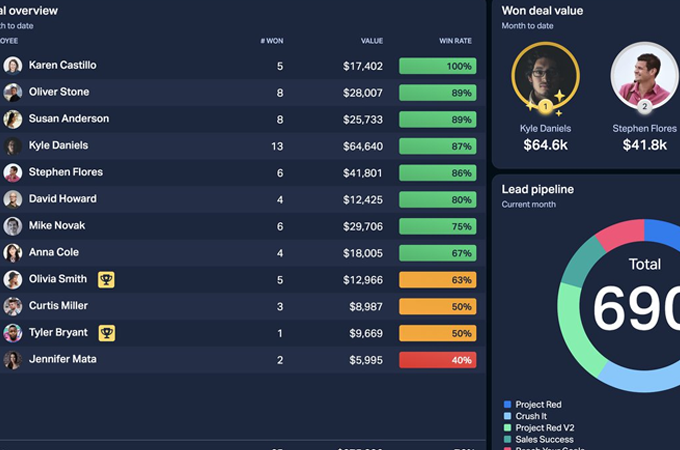
Monitoring your cash flow is crucial, and automating your business processes can help pinpoint where your funds are allocated. Centralizing all your data allows for trend analysis and facilitates strategic adjustments, ensuring your company's sustained success.

Automation is indeed a key component of the future of business. For small business owners, leveraging software automation can enhance efficiency and success. Eliminating human errors not only saves money but also contributes to streamlined operations and improved overall performance.


Step one: Capture
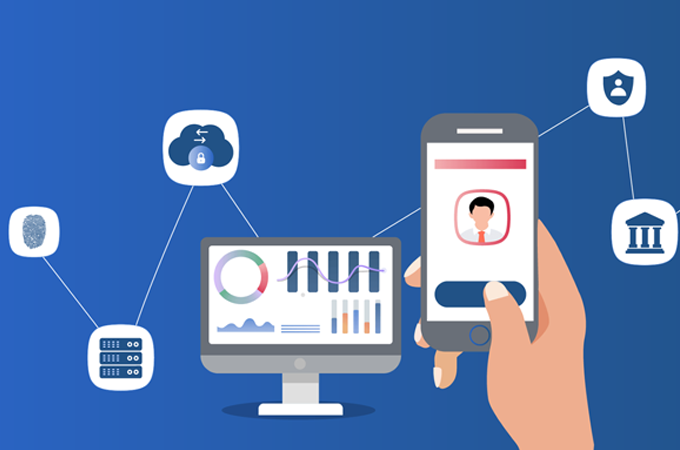
AutoEntry simplifies the process of managing invoices, receipts, and bank statements. Whether you take a picture, scan, or upload these documents, AutoEntry excels in precise information extraction. Its line-item capture performance sets it apart from competitors, ensuring accurate data handling for your financial records.
Step two: Categorise
After capturing your documents, the next crucial step is categorization. AutoEntry offers a range of features to assist in organizing and automatically grouping your documents. This ensures efficient and easy retrieval of information when needed in the future.

Step three: Publish
Publishing involves transferring your data to your accounting software. Once your documents are uploaded and organized, you can simply click the "publish" button to initiate the processing phase. This seamless transition ensures that your data is accurately integrated into your accounting system for further analysis and reporting.
Abedin Chartered Certified Accountants recognizes the crucial role that accounting and bookkeeping play in determining your business's performance. We provide AutoEntry to automate your bookkeeping processes, empowering you to stay ahead in every aspect of your financial management.
To extract data from your documents, the platform offers various methods. Users can submit data for extraction through the website by uploading a document or using an individual email address. Additionally, the fetching module can be employed to extract data from multiple locations simultaneously.

This feature allows for the automatic linking of your bank and supplier paperwork to your account. By eliminating manual data entry, it ensures accuracy and provides quick access to relevant information for maintaining correct accounts.
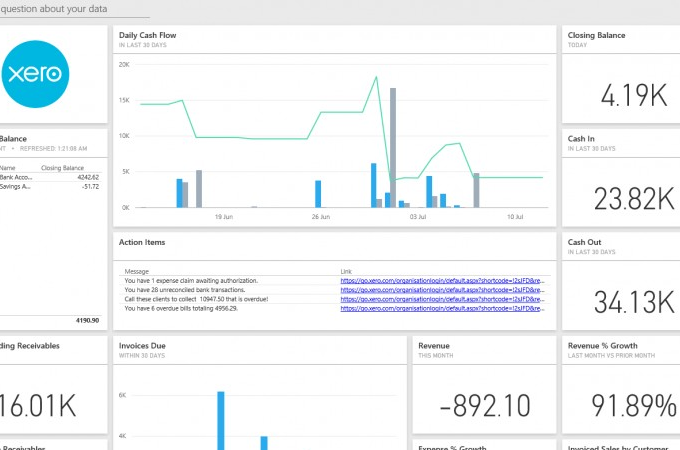
AutoEntry prioritizes data security through advanced technologies like End-to-End Encryption across the entire platform. Rigorous measures are in place to safeguard data, ensuring a high level of protection. Whether sharing information with customers or business partners, stringent protocols are implemented to ensure its safety.

Creating a detailed list of all line items with information such as list price, quantity, cost per unit, and total cost is crucial when tracking inventory or sales. This meticulous approach adds an extra layer of confirmation, significantly improving the accuracy of the data.
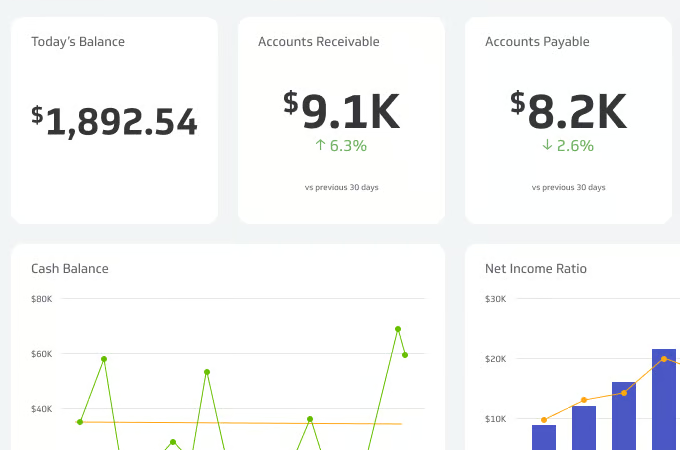
Streamlining your operations, save both time and money by automatically synchronizing the extracted data from captured invoices with the corresponding open purchase orders. This eliminates the need for manual entry, ensuring accurate records and a seamless workflow.
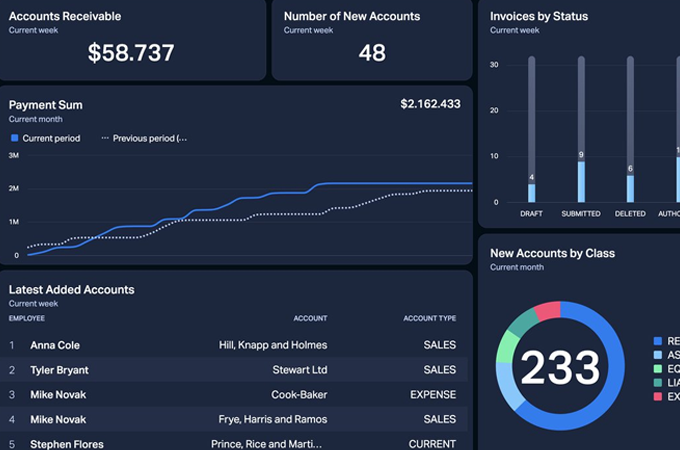
AutoEntry seamlessly integrates with several leading accounting software platforms, providing efficient data input methods. Let's delve into three of the most popular accounting software and examine the ease with which they can be integrated.

Once AutoEntry is linked with QuickBooks, it autonomously retrieves the required data and incorporates it into your QuickBooks account.
Capture documents by scanning, emailing, or taking a photo, and let the software on your phone or computer handle the rest. Accounting software like AutoEntry can track tax summaries and detailed line-item information, including descriptions, price per unit, and details about purchase orders.


Abedin Accountants understands the importance of accounting and bookkeeping for businesses of all sizes, and Sage is our primary focus. Automation not only makes data entry less challenging but also expedites the entire data collection process.
When you're done collecting data, you'll have access to better real-time data, giving you more time to focus on more important tasks.
AutoEntry provides live chat help and is also accessible via phone and email at support@autoentry.com.
AutoEntry offers packages to meet everyone's needs. For more information, contact one of our specialists.
AutoEntry is compatible with all the most popular accounting software solutions, for a complete list, visit Autoentry Website

Abedin Accountants comprises a team of specialists dedicated to addressing all your accounting and taxation requirements in a single location. Our commitment extends from the initial contact to the project's completion, with a focus on keeping you well-informed and delivering a straightforward, cost-effective solution for all your financial needs.


We Guarantee to never miss a deadline or your money back
© 2023- Abedin Accountants. All Rights Reserved
Registration No. 14848656

 02033558128


